
How to Search Cases by Name
For District Court matters, the District Clerk docket page is the place to start. It gathers a Box folder of posted docket items. It also links to iDocket and a shared district-court site. One caution applies here. The Box layer lists documents by folder; it is not a party-name database. For searching by name, the county-linked iDocket route does that job. Anything incomplete goes back to the clerk.
Names trip people up. The same name can repeat, or appear in a reversed order you did not expect. Begin with a last name and a short first name, then scan the broad results. After that, add a filing range, a case category, a court, or a party role. That cuts the noise. Soundex helps when spellings drift. Deeper history and advanced fields may sit behind subscriber access.
- Identify the likely court and case category.
- Open the county docket page and follow iDocket.
- Enter a surname, then narrow the result.
- Compare the case number and court.
- Ask the responsible clerk to verify uncertain data.
| Field | Type | Required | Use |
|---|---|---|---|
| Litigant | Text | Search dependent | Party name |
| Role | Choice | No | Plaintiff, defendant, or either |
| Category | Choice | No | Civil or criminal |
| Filed dates | Range | No | MM/DD/YYYY |
Aransas County iDocket Limits
iDocket is a vendor index linked from the county. It is not the official repository of Aransas County court records. A guest can sometimes pull a case number. Little else comes through. Advanced filters, fuller history, calendars, and images tend to require paid access. History tabs can sort where the feature is enabled. They cover motions, orders, answers or citations, other actions, costs, payments, and ledger entries. The iDocket search shell presents the local starting screen for these searches.

A blank result proves nothing. Cases exist that the guest view will never surface. The iDocket help page lays out what guest fields and advanced fields can each do.

Narrow with those controls, then confirm what you find with the proper Aransas County clerk.
How to Search by Case Number
A case number is the strongest key you can bring to a docket search. Type it exactly as printed, letters and hyphens included. One iDocket sample shows A-20-5130-CR. That single example does not fix a universal Aransas County format. Numbers inside vendor URLs are routing codes only. Leave them out.
An exact match failing does not mean the case is missing. Try removing spaces, or run a partial number if the system allows it. Court matters too. District civil and family cases rotate among the 36th, 156th, and 343rd District Courts. District criminal cases for Aransas County are docketed in the 36th. County Court at Law and the lower courts each keep separate files. A number can dead-end in the wrong court.
Aransas County Box Docket
The District Clerk page also embeds a Box document folder. You may need to let your browser render the frame before anything appears. What you get is a publication layer, not a complete database. Its folder structure offers no stable field list to search against. It shines when you hunt one posted docket. The same goes for a known folder item. iDocket serves better when you need to discover a number from a party name. The official Box docket page shows this mixed route.
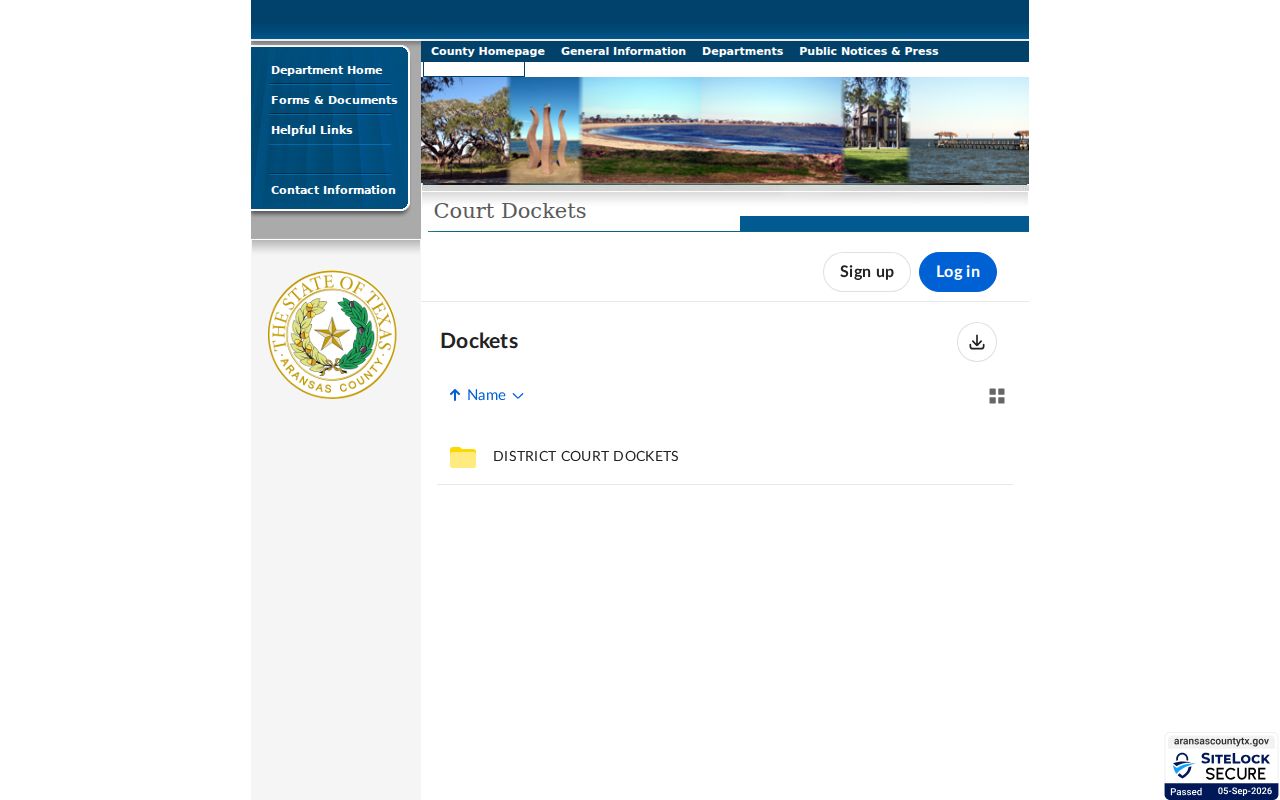
When the folder refuses to load, go direct. Call the District Clerk at 361-790-0128, or visit the office at 308 N Live Oak St in Rockport.
What a Case Search Shows
An Aransas County case lookup can return plenty: a case number, style, court, county, category, type, filing date, disposition date, party role, attorney, agency, hearing, notation, and status. Remember what it is. A result is an index line, not the file itself, and the listed status can lag behind a signed order by some distance.
| Case number | The local identifier assigned by the court. |
|---|---|
| Style | The case caption, subject to redaction. |
| Court | The assigned district, county, justice, or city court. |
| Dates | Filing, hearing, or disposition dates where available. |
| History | Filings, orders, costs, and payments where enabled. |
For signed rulings or anything needing certification, request the clerk-held file through the Aransas County court record search channels.
re:SearchTX Aransas County Cases
re:SearchTX is a statewide, account-based system. It supports searches by case, filing, text, and hearing, with filters for location, category, and type. You can enter partial names, partial numbers, descriptions, styles, and agencies. Save and export features depend on your access level.
One gap matters here. The Texas Office of Court Administration reported that criminal case records are not part of the statewide corpus. So re:SearchTX helps with participating civil, family, probate, and other electronic records, but local criminal channels remain the only real option for Aransas County criminal dockets. The statewide dashboard displays those search modes.
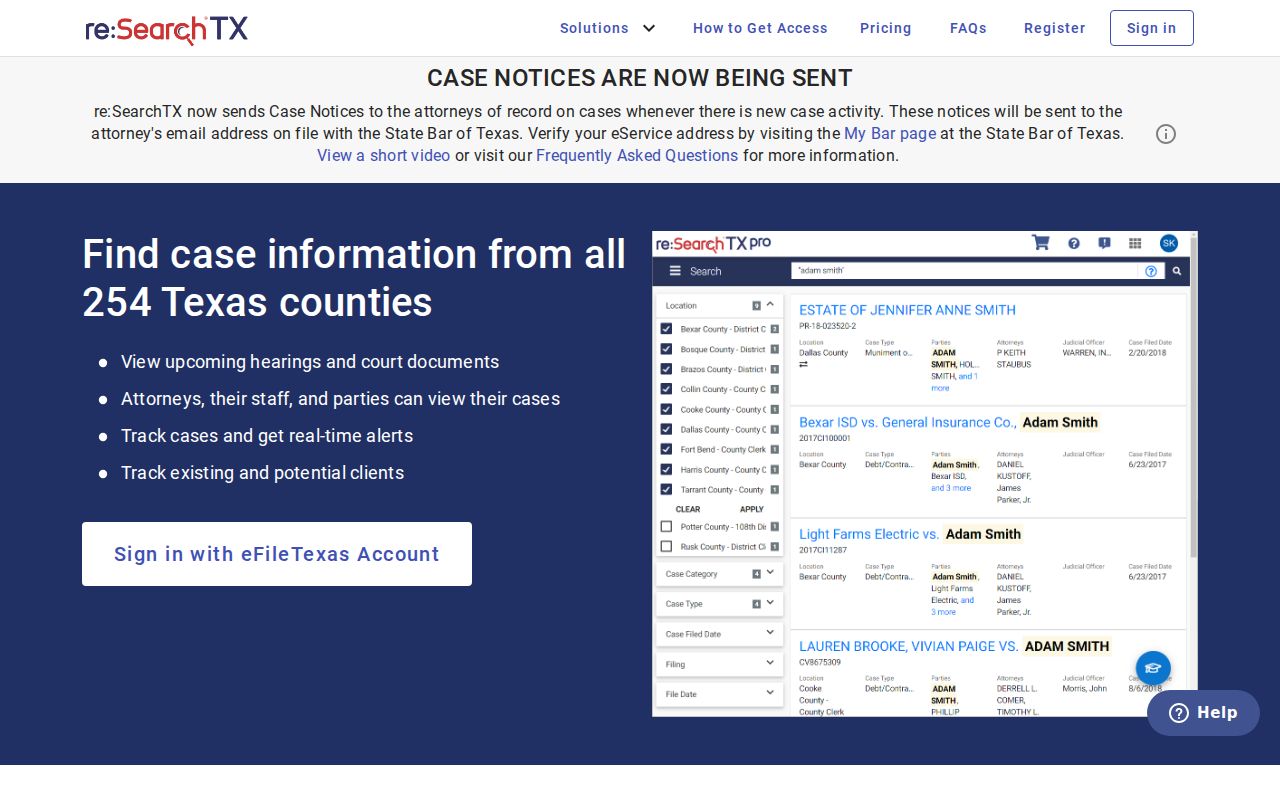
Statewide reach plus an account gate makes it a second layer, not a first stop, for an Aransas County search.
County vs Statewide Case Search
Match the tool to the scope of your docket search. Local sources win when you already know Aransas County and the specific court. The statewide tool earns its keep when the county is uncertain. A participating electronic civil record is another fit. Neither one opens sealed material. Only a clerk can issue a certified copy.
| Point | County routes | re:SearchTX |
|---|---|---|
| Scope | Local Box, iDocket, and clerk files | Participating statewide corpus |
| Criminal | Local routes required | Not in reported corpus |
| Access | Public, guest, and subscriber layers | Account required |
| Best use | Known local case | Broader civil search |
eFileTexas and Aransas County Cases
eFileTexas handles electronic filing for the state. It is not a public party-name index, so it will not serve as your case lookup. A filing confirmation proves only that a submission went through; it does not prove a document was accepted, posted to the docket, or made public. The official filing screen draws that line clearly.
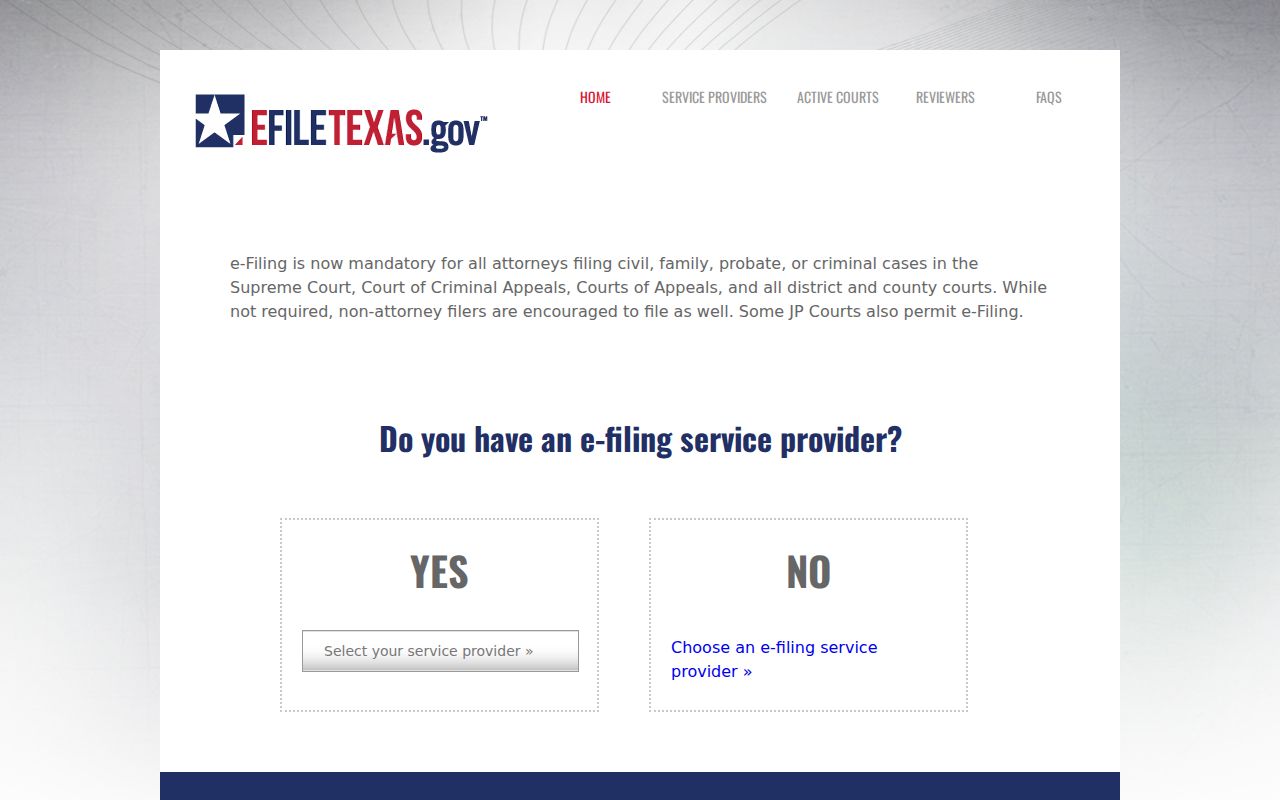
For actual lookup, use re:SearchTX or local docket sources, and ask the clerk whether a filing was accepted.
- Filed
- Submitted through an accepted channel.
- Accepted
- Processed into the court record.
- Docketed
- Entered in the case history.
- Image access
- Permission to view a document, often narrower than index access.
Aransas County Case Clerk Routing
Knowing which clerk holds the file saves a wasted trip. District Clerk Zach Westlake keeps District Court felony, civil, and family records. County Clerk Misty R. F. Kimbrough holds County Court at Law files. These span misdemeanor, civil, family, probate, guardianship, juvenile, mental-health, and related files. Justice and municipal clerks keep their own dockets.
For district files, call 361-790-0128. A contact form is listed. A fax line at 361-790-5211 is listed too. For county-level custody, call the County Clerk at 361-790-0122. One limit applies. The county says no telephone searches are offered. Use the counter, the web form, or a mailed written copy request instead.
Restricted Cases and Access Rules
Some Aransas County case lookup results come back empty for a reason. Sealed orders stay hidden. So do confidential juvenile records, protected family material, and files a judge has closed by order. Sensitive personal data gets redacted before release. Two rules drive much of this. Texas Family Code Chapter 58 shields juvenile justice information. Texas filing rules also require redaction of sensitive data in filed papers.
Access rules for court records also split into two tracks. The Texas Judicial Branch open-records policy explains the difference. Judicial records do not fall under the ordinary Texas Public Information Act rules that cover agency records. Rule 12 governs many administrative judicial records. Filed cases follow court rules, statutes, and whatever orders a judge has signed.
A name that will not come up is not proof the case does not exist. Spelling differences can hide a docket entry. So can the wrong court, delayed posting, restricted access, or thin electronic coverage. Contact the right clerk. Give staff the party name, the court, the case number if known, and a rough filing date. That information lets staff search the court records properly.
Restricted access is not the same thing as a glitch. A sealed case is absent on purpose. A public case can be missing only because a portal has not synced or never covered that court. The clerk can tell you whether a public index entry, a redacted copy, or an inspection appointment is possible. Staff cannot give legal advice. They can still point you to standard copy procedures and the office holding the file.
Genealogy and historical searches take a wider net. Try alternate spellings, an approximate year, and a broader date range, or file an archived record request. Older court records often never made it into the newest systems. When the online trail ends, go beyond the screen. A careful Aransas County case lookup should include the clerk's counter or a written request. Keep a copy of what you sent, and note which office answered, since several courts here share similar names.